

Header
1. Announcement Bar
Display above main header. Display links, text , language & currency selector
Enable option to display Announcement bar
Now go to sections, click Announcement bar section


2. Header
Steps:
From your Shopify admin, go to Online Store -> Themes.
Find the theme that you want to edit, and then click Customize.
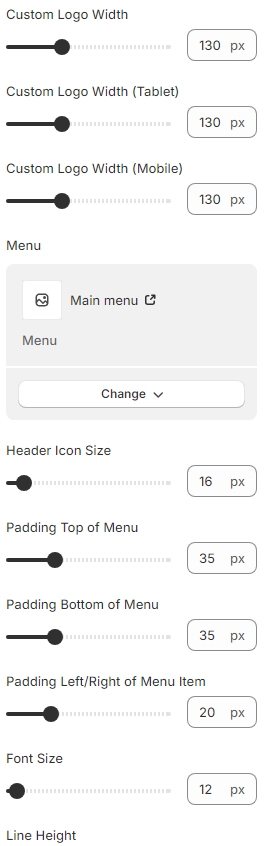
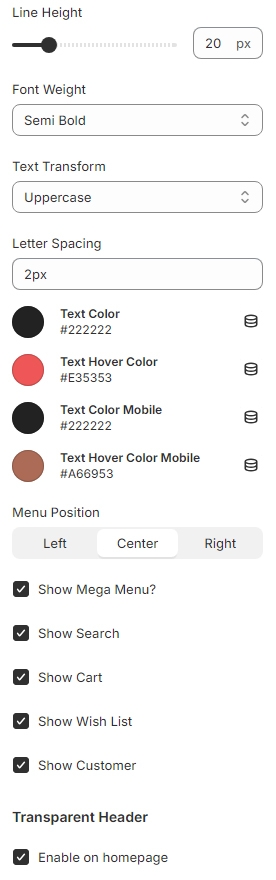
At the Header click and set setting.

Category Vertical Menu

To show icons for vertical menu, please follow our instruction below:

Create a Menu in Navigation for Vertical menu. Remember the name of each collection in the menu level 01

Prepare an image of the icon you want. Name it with the same name as the collection in the menu level 01 (please use PNG image).

Rules: Lower cap and use a hyphen "-" to replace white space if your image name has the white space.
For example: with the menu name "Electronics" the image name will be electronics.png
Section Settings



Last updated