> For the complete documentation index, see [llms.txt](https://templatescoder.gitbook.io/labacha-shopify-theme-documentation/llms.txt). Markdown versions of documentation pages are available by appending `.md` to page URLs; this page is available as [Markdown](https://templatescoder.gitbook.io/labacha-shopify-theme-documentation/theme-settings/quick-search.md).
# Quick Search
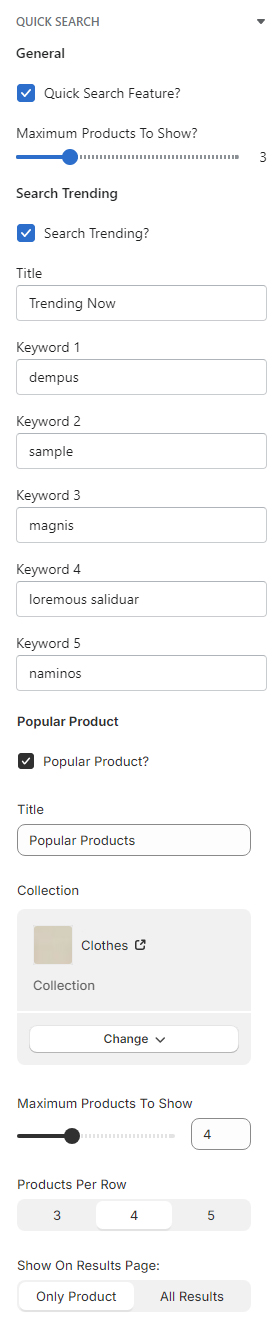
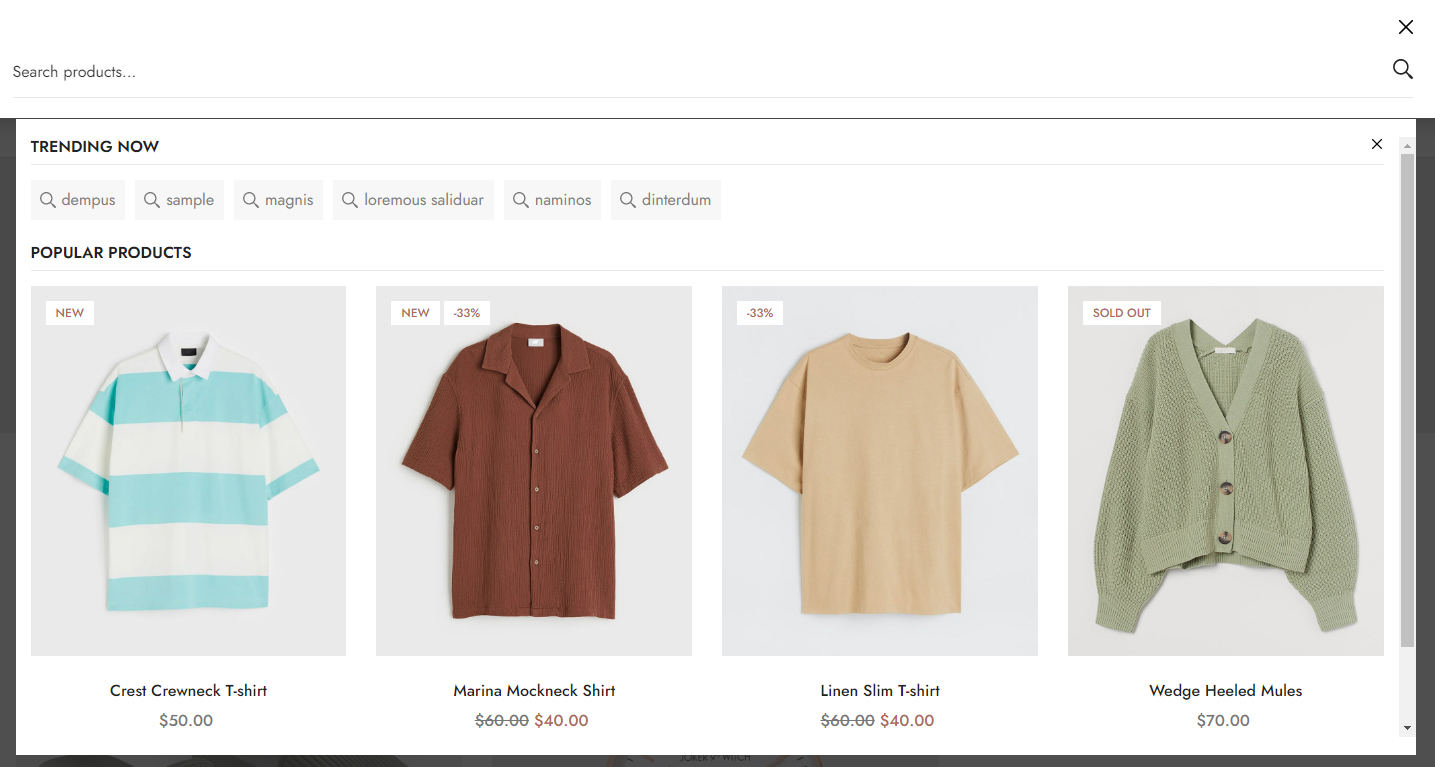
Enable to allow user to quickly search products on your store.
The online store search is a fully featured, powerful tool for your customers to search across all of your store's products, articles, and pages.
* From your Shopify admin, go to **Online Store -> Themes**.
* Find the theme that you want to edit, and then click **Customize**.
* Click **Theme settings -> Quick Search**.
| Setting | Description |
| ------------------------- | --------------------------------------------------------- |
| Quick Search Feature? | Enable Quick Search functionality on the theme |
| Maximum Products To Show? | Determine the maximum products to query for quick search. |