> For the complete documentation index, see [llms.txt](https://templatescoder.gitbook.io/labacha-shopify-theme-documentation/llms.txt). Markdown versions of documentation pages are available by appending `.md` to page URLs; this page is available as [Markdown](https://templatescoder.gitbook.io/labacha-shopify-theme-documentation/theme-settings/adding-custom-css-to-your-theme.md).
# Adding custom CSS to your theme
In this field, we already split to some responsive devices like **Global Custom CSS; Custom CSS for only desktop; Custom CSS for tablet, mobile; Custom CSS for only tablet; Custom CSS for only mobile**. You can write your code to the correct field.
**For example**: You want to change the Background color for Shopping Cart Widget and displays it on all devices, you can add this Code to **Global Custom Css**.
### 1. Add Custom Css in Theme Settings
Custom CSS can be added to your entire theme that affects all pages in your online store except the **Checkout** page. For example, you can change the way that buttons are displayed across your entire store.
1. In your Shopify admin, go to **Online Store** -> **Themes**.
2. Find the theme that you want to edit, and then click **Customize**.
3. Click **Theme settings -> Custom Css**.
4. Add your code and click **Save**.
{% hint style="info" %}
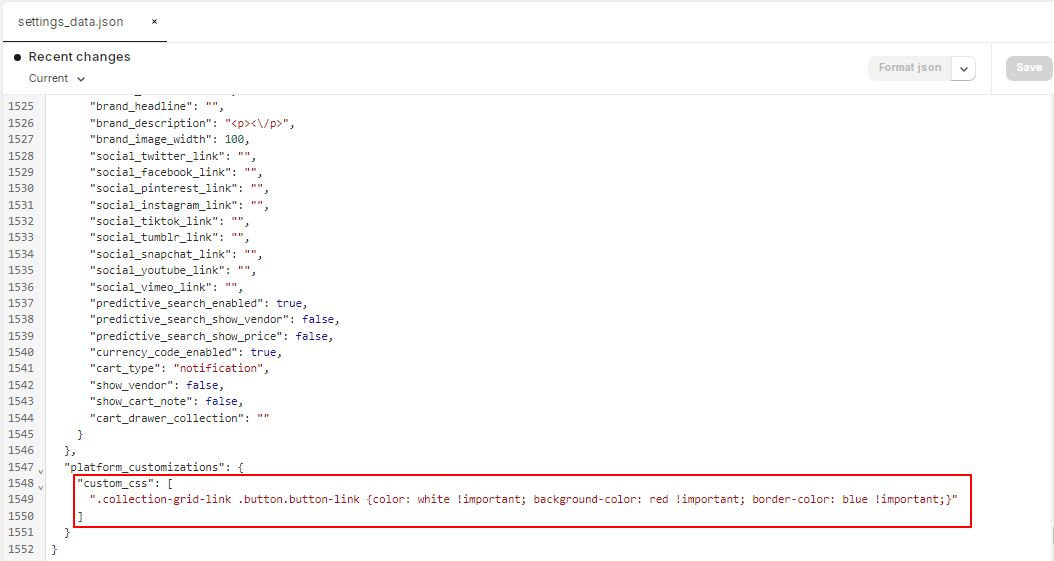
Your css will be saved in **settings\_data.json** file
{% endhint %}